
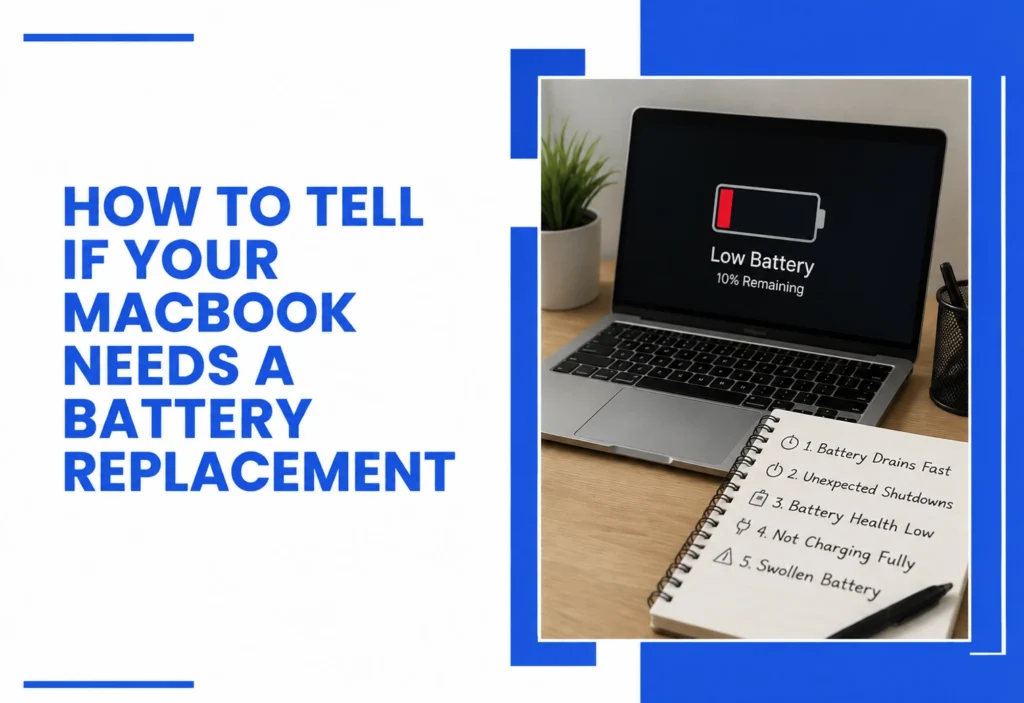
If your MacBook is dying faster than it used to, shutting down out of nowhere, or barely making it through a coffee run unplugged, you’re probably dealing with a battery on its way out. A MacBook battery replacement isn’t something to put off; a battery that’s failing doesn’t just get a little slower; it can shut down mid-task, refuse to hold a charge, or, in rare cases, swell. Understanding your battery health is the first step to catching the problem before it turns into something worse.
At our Henderson repair shop, we see this pattern constantly: a customer waits months after noticing symptoms, then brings in a MacBook that won’t turn on at all. A professional diagnosis early on can mean the difference between a quick battery service and a much bigger repair bill. This guide walks through the real symptoms of MacBook battery issues, how to check MacBook battery health yourself, and when it’s time to replace the MacBook battery instead of hoping it improves.
How Do You Know If Your MacBook Battery Needs Replacement?
Key takeaway: If your MacBook drains fast, shuts down unexpectedly, or shows “Service Recommended,” it’s time for a battery replacement.
A handful of symptoms show up again and again in MacBooks that need a new battery. The most common signs your MacBook needs a battery replacement include:
- Battery percentage drops suddenly (jumping from 40% to 5% in minutes)
- MacBook shuts off even though the display says the battery is left
- The bottom case feels warm, or the trackpad seems slightly raised
- Full charge only lasts a couple of hours instead of the usual all-day use
- The battery won’t charge past a certain percentage
- macOS reports “Service Recommended” or “Replace Now” under Battery settings
If any of these sound familiar, it’s worth having your MacBook looked at rather than waiting for it to get worse.
Many customers assume slow performance automatically means a failing battery. In reality, storage issues, overheating, or software problems can produce similar symptoms. A proper diagnosis identifies the true cause before replacing any hardware.
What Are the Most Common MacBook Battery Issues?
The most common MacBook battery issues include rapid battery drain, unexpected shutdowns, charging problems, overheating, and battery swelling.
| Symptom | Possible Cause | Recommended Action |
| Rapid battery drain | Aged cells losing capacity | Schedule battery replacement |
| Unexpected shutdowns | Battery can’t sustain load under normal use | Bring in for diagnosis soon |
| Won’t charge past 80% | Charging circuit or battery protection issue | Professional diagnostic needed |
| Swollen case or raised trackpad | Battery cell swelling | Stop use, seek repair immediately |
| MacBook won’t turn on | Battery has failed completely | Visit a repair shop right away |
| Runs hot while charging | Battery struggling under charging load | Have it inspected |
These are the everyday battery repair complaints we hear from customers, and most trace back to one root cause: the battery has simply reached the end of its usable life.
Why Does MacBook Battery Health Decline?
Overheating is one of the biggest contributors to battery degradation. Learn more in our MacBook overheating repair guide. Every MacBook battery is a lithium-ion battery, and lithium-ion cells lose a small amount of capacity every time they go through a full charge cycle. Apple states that MacBook batteries are designed to retain up to 80% of their original capacity after 1,000 complete charge cycles under normal conditions, according to Apple’s official battery service documentation. Once you’re past that point, performance drops off more noticeably.
Heat speeds this process up. A MacBook that regularly runs hot, from dust buildup, heavy workloads, or being used on soft surfaces that block airflow, will typically see faster battery health decline than one that stays cool. Age also plays a role independent of charge cycles, since lithium-ion chemistry degrades slowly even in storage.
How Can You Check Battery Health on a MacBook?
You can check your MacBook battery health directly in macOS using Battery Settings or System Information. Apple builds a battery health check directly into macOS. Under System Settings > Battery > Battery Health, you’ll see a status of Normal, Replace Soon, Service Battery, or Replace Now. You can also check your exact cycle count and maximum capacity percentage under System Information > Power.
| Battery Health | Recommendation |
| 90–100% | No action needed |
| 80–89% | Monitor, generally still reliable |
| 70–79% | Plan for replacement soon |
| Below 70% | Schedule replacement now |
| “Service Battery” status | Bring in for professional diagnosis |
We’ve covered the full step-by-step process in more depth in our guide on how to check your MacBook battery health, worth a read if you want the exact menu paths and what each number means.
Should You Replace the Battery or Buy a New MacBook?
Replace the battery if your MacBook is functioning well and the battery is the only major issue. Buying a new MacBook is generally worth considering only when multiple expensive components have failed. This is one of the most common questions we get, and the answer usually comes down to the rest of the machine’s condition.
| Situation | Replace Battery | Buy New |
| MacBook is under 5 years old and runs well otherwise | Yes | No |
| Only the battery is the problem | Yes | No |
| Screen, keyboard, or logic board also failing | Maybe | Consider new |
| MacBook is 7+ years old with multiple issues | No | Yes |
| You rely on the current setup and software | Yes | No |
In most cases, a battery replacement is far cheaper than a new MacBook and restores day-to-day usability immediately. If your MacBook is otherwise healthy, replacing the battery is almost always worth it.
|
Not sure whether the battery is the only issue? Our full MacBook repair services page breaks down every hardware problem we diagnose and fix in-store. |
Can a Swollen MacBook Battery Be Dangerous?
Yes. A swollen lithium-ion battery is a genuine safety concern, not just a cosmetic one. iFixit’s repair guidance warns that lithium-ion batteries, swollen or not, can catch fire or fail if mishandled, and recommends letting a professional handle removal. Consumer Reports has also noted that a compromised lithium-ion battery membrane can trigger a runaway thermal reaction reaching extremely high temperatures within seconds.
If you notice your trackpad lifting, your keyboard sitting unevenly, or the case bulging near the battery, stop using the MacBook immediately and bring it in. Don’t attempt to press on it, charge it further, or remove the battery yourself.
What Happens During a Professional Battery Service?
Key takeaway: A professional battery service includes diagnosis, safe removal, installation, and testing, not just swapping parts.
When you bring your MacBook in for battery repair, the process typically includes:
- A full diagnostic to confirm the battery, not the charging port or logic board, is the actual problem
2. Safe removal of the old battery, including any swollen cells
3. Installation of a high-quality OEM-equivalent replacement battery engineered for reliable performance and long service life.
4. Testing of charge behavior, thermal performance, and reporting accuracy
5. Battery calibration so macOS reports capacity correctly going forward
Skipping any of these steps is how customers end up back in the shop a few months later. Proper installation and testing matter as much as the part itself.
Every MacBook model has different battery adhesive layouts, connector designs, and calibration requirements. Our technicians diagnose the entire power system before recommending battery replacement, helping prevent unnecessary repairs when the issue is actually related to charging circuitry or the logic board.
How Long Does a MacBook Battery Replacement Take?
Most battery replacements at our Henderson shop are handled same-day, often within a few hours, since it’s one of the more straightforward hardware repairs. Turnaround can vary depending on the model and how busy the shop is that day, so it’s worth calling ahead to confirm.
When Should You Visit a Repair Shop?
You don’t need to wait for a full failure. Visit a local MacBook repair shop if you notice any of the following:
- Your battery health shows “Replace Soon” or “Service Battery”
- Your MacBook shuts down unexpectedly during normal use
- You see any swelling, warping, or a raised trackpad
- Battery life has dropped noticeably over the past few months
- You rely on your MacBook daily and can’t risk a sudden failure
Bringing it in for a free diagnostic first means you’ll know exactly what’s wrong before committing to a repair. If your MacBook won’t charge, the issue may be the charging port rather than the battery. Read our MacBook charging port repair guide. You can reach out to our Henderson shop directly to book a time or ask questions before you come in.
Is Your MacBook Battery Losing Power?
Don’t wait until your MacBook won’t turn on. Our A+ certified technicians offer a free diagnostic to confirm whether your battery is the problem, followed by professional battery replacement using genuine Apple parts and a 90-day warranty. Same-day service is available for most models, and every repair is done in-store so you know exactly what’s happening to your device.
Book Battery Inspection | Call Now: 702-330-8060 | Get a Free Diagnosis
Final Thoughts
A dying battery rarely fixes itself, and waiting usually just narrows your options. If your MacBook is draining fast, shutting down without warning, or showing “Service Recommended,” that’s your sign to get it looked at rather than push through a few more months. A timely MacBook battery replacement is one of the simplest ways to add years of everyday use back to a machine that’s otherwise in good shape.
The safest first step is always a professional diagnosis; it confirms whether the battery is really the problem before you spend a dollar. If you’re in Henderson and noticing any of the symptoms above, bring your MacBook in for a free diagnostic and let our certified technicians tell you exactly where things stand.
Frequently Asked Questions
How long does a MacBook battery last?
Most MacBook batteries last 3 to 5 years or around 1,000 charge cycles before capacity drops noticeably.
Is MacBook battery replacement worth it?
Yes, if the rest of your MacBook works well, it’s far cheaper than buying a new machine.
Can I replace a MacBook battery myself?
It’s not recommended. Lithium-ion batteries can be dangerous to handle without training or tools.
How much battery health is too low?
Below 70–80% maximum capacity is generally considered time to replace.
What causes rapid battery drain?
Aged cells, heavy background apps, high brightness, or heat-related degradation are common causes.
Can a swollen battery damage my MacBook?
Yes, swelling can push against the trackpad, keyboard, and case, and poses a fire risk.
Will replacing the battery improve performance?
Yes, a new battery restores normal runtime and prevents unexpected shutdowns.
How long does battery replacement take?
Same-day service is typically available for most MacBook battery replacements.